
Enterprise Settings
Managing Enterprise Admin Settings
Enterprise Admin Settings let workspace admins control how data is used, how notes are shared, and which security policies apply across their organization.
Where to find Enterprise Admin Settings
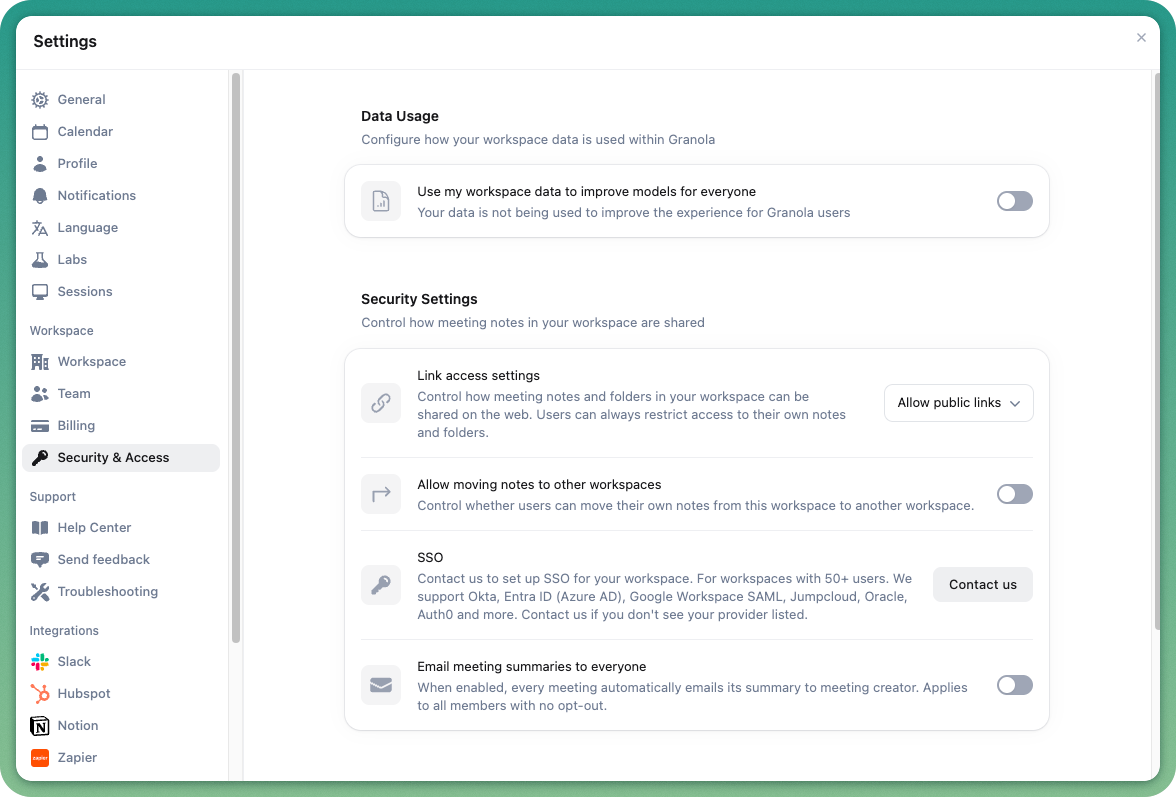
These controls live in Settings → Security and access and apply to the entire workspace.
What you can do with Enterprise Admin Settings
As an enterprise admin, you can apply controls on:
Configure how data from your workspace is used within Granola
Define how notes and folders in your workspace can be shared via links
Decide if users can move notes between workspaces in your domain
Configure whether meeting summary emails are sent to the meeting creator
Contact us at hey@granola.so with help on:
Enable sign-in with SSO (single sign-on)
Set up data retention for transcripts in your workspace