
Deleting your account
Deleting your account will permanently remove your account and all associated data. This action cannot be undone.
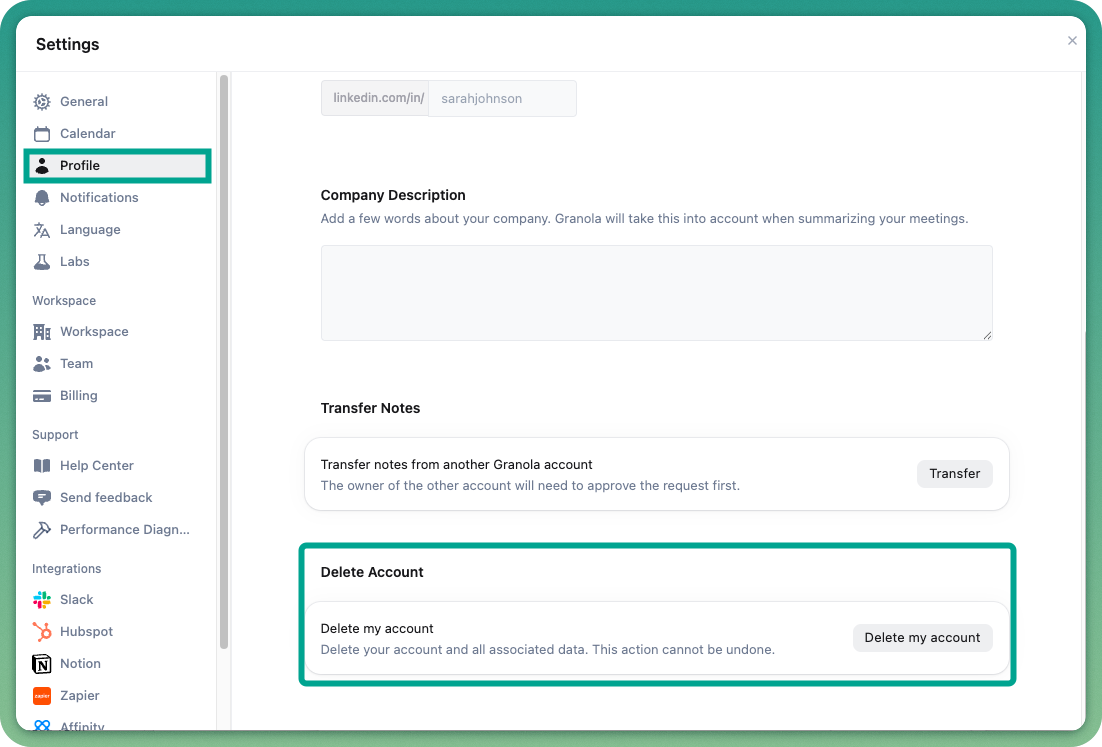
You can delete your Granola account and associated data directly from the app by following these steps:
Open the Granola app and go to Settings.
Under Profile, scroll down to find the Delete Account button.
Click on Delete Account to proceed with the removal
If you're unable to access the app, please email us at hey@granola.so from the account you'd like deleted, and our team will assist you.