
Getting consent
We recommend always asking for consent before transcribing others, and offer a feature for automated consent messaging.
Consent requirements
Depending on where your meeting participants are located, you may need to get consent from participants in meetings prior to using Granola to transcribe.
You can find more information on recording laws state by state here. Please note, this is a third-party resource and Granola is not responsible for the accuracy of third-party websites.
Ultimately, you are responsible for obtaining consent from participants where required by law. Regardless of whether you are legally required to do so, we strongly recommend that you always ask for consent before transcribing.
Automated consent messaging in Granola
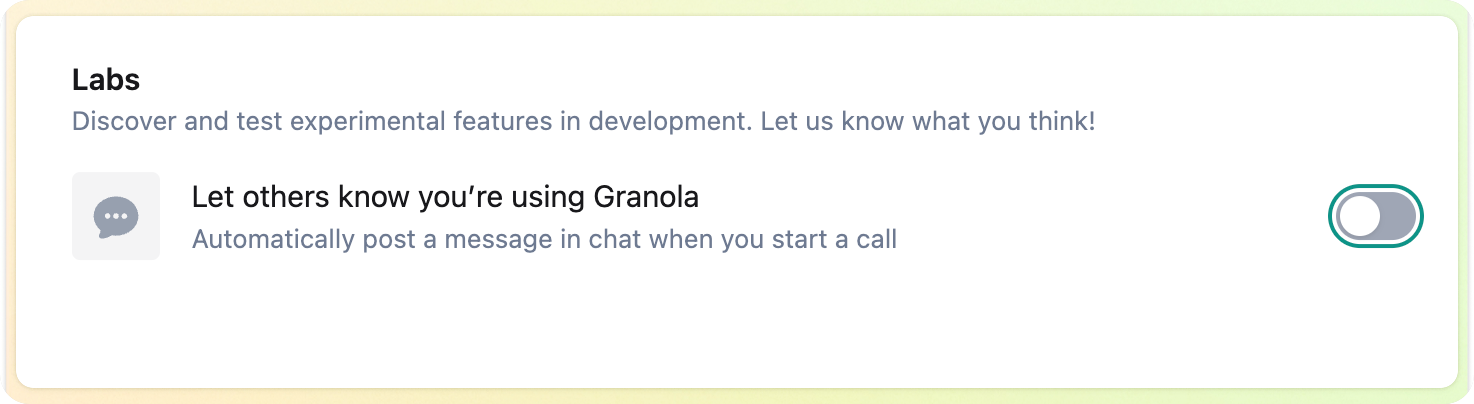
For virtual meetings, we’ve built a feature on macOS for Automatic Consent Messaging that sends an automated message at the start of each meeting to let others know you’re using Granola.
Limitations
Only available for Zoom and Google Meet, on macOS
For Google Meet, this only works if:
your Zoom/Google Meet language is set to English
you're using Google Meet in Chrome or Safari
Requires you to focus (click on) the Zoom or Google Meet window
It doesn't know when everyone has joined - it'll post as soon as someone else has joined the meeting and started speaking
Granola on iPhone doesn't have automatic consent messaging. If consent is required to record your call, you should obtain it prior to initiating recording. There's a pause button to pause recording if you need it.
How automated consent messaging works
For now, this only works in Zoom and Google Meet on macOS. It opens the chat panel in your meeting, and then pastes and sends your message in the chat, then closes the chat.
For this to work properly, a few things need to be true:
You'll need to have the Google Meet/Zoom window focused (in other words, selected/clicked on)
You shouldn't have any other text written in the chat mess composer - otherwise Granola won't be able to paste text into it
Granola must have transcribed some audio from your call (i.e. there is someone else in the meeting - so you're not notifying an empty meeting!)
Other questions
Are we storing audio?
Granola for macOS and Windows doesn’t store audio, only the transcript. Granola for iPhone temporarily caches audio during the meeting - when transcription is completed, cached audio is deleted from all Granola and third-party systems.
Is the transcript accessible to others automatically?
No, your notes remain private unless you create or enable sharing links. Learn more about transcription in Live Transcription.