
Exporting historical notes
This doc walks through how you can export notes older than 30 days from Granola. This feature is built to support those on our free trial who may not have access to their notes from over 30 days ago.
There isn't currently a way to export your full note history, or to export transcripts in bulk.
Exporting your historical data
You're able to export historical data from Granola via the Profile view in Settings and clicking 'Generate CSV':
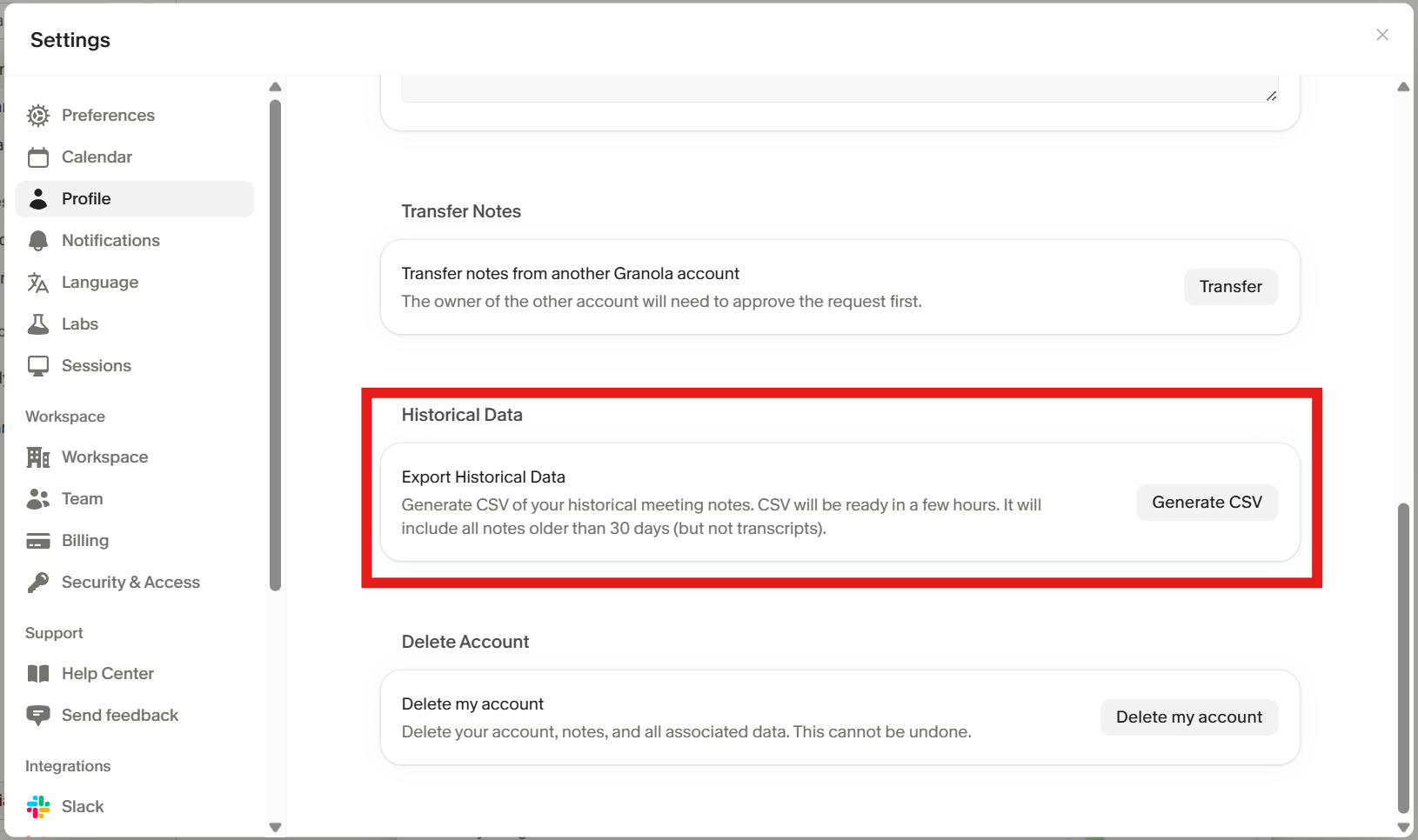
This will generate a CSV emailed to you after a couple of hours. It contains notes from before 30 days ago, including the title, note summary, and other basic details. It does not contain the full transcript for each note.
Please note that this is disabled by default for Enterprise customers, and workspace admins can toggle the ability for their members to export notes:

How can I export my transcripts in bulk?
Currently there isn't a way to do this, however:
You can copy an individual transcript by navigating into a note, opening the transcription box, and clicking the Copy button.
We're working on MCP and API support on paid tiers to let you access your note summaries. While this may not include transcripts, we hope it'll help you achieve the end goal you're aiming for (e.g. getting context into other platforms).